
What is Frpc-Hub?
Frpc-Hub is a modern frpc management platform built on PocketBase and React, providing a visual interface to manage intranet penetration services.
Dashboard
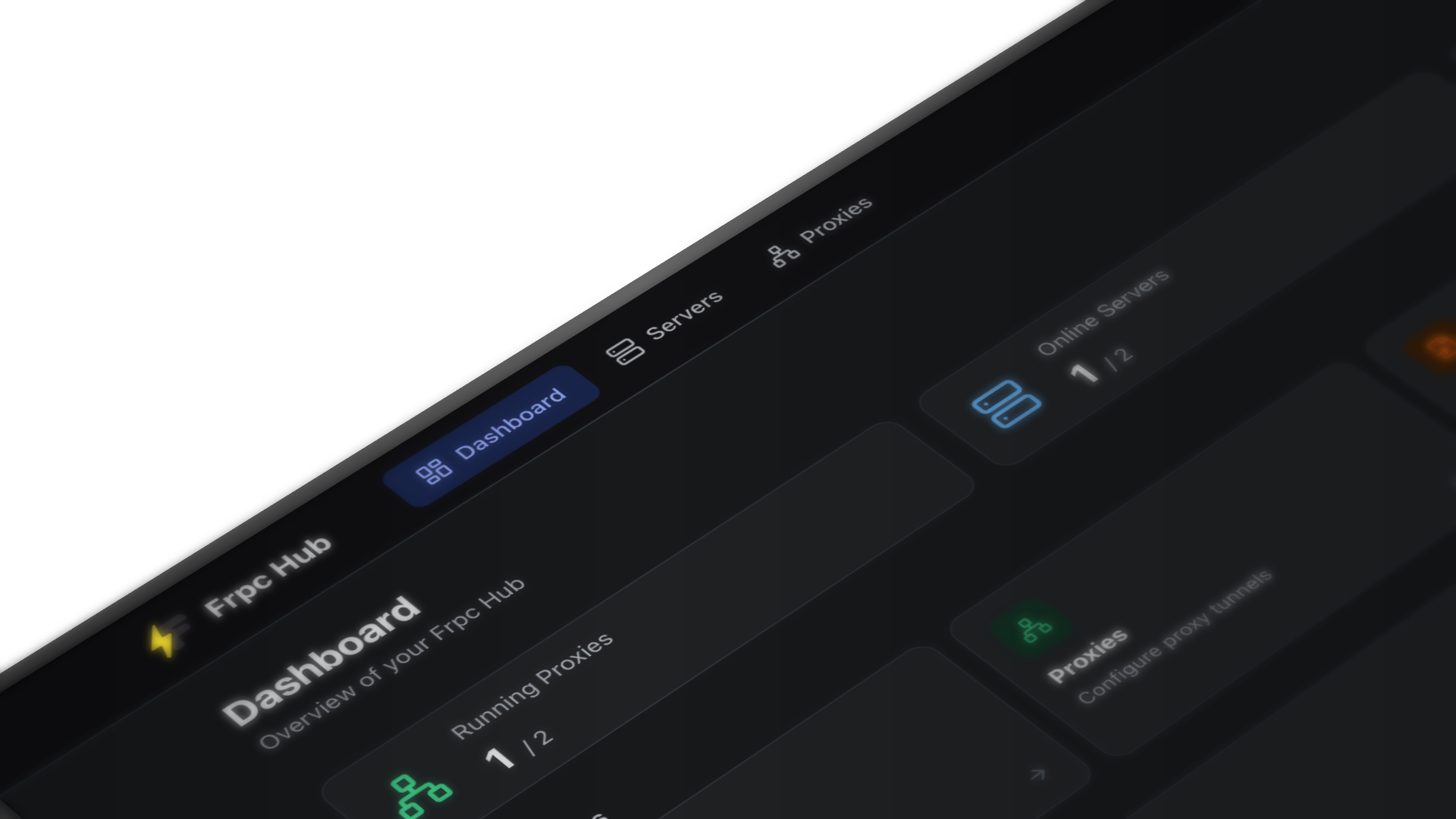
Background
frp is one of the most popular open-source intranet penetration tools. Its client frpc establishes tunnels with the server frps via configuration files (.toml / .ini), exposing local services to the public internet.
However, using native frpc comes with several pain points:
- Config-file-driven only: Every change requires manually editing files and restarting the process
- Difficult multi-server management: Maintaining multiple frps servers leads to scattered, error-prone configs
- No visual monitoring: No intuitive way to view connection status or latency
- High operational cost: Upgrades, backups, and migrations are all manual
Frpc-Hub was built to solve exactly these problems.
Core Features
Server Management
Centrally manage multiple frps servers with support for:
- Add, edit, and delete server configurations
- Auto-connect and automatic reconnection on failure
- Real-time latency monitoring with geolocation display
- One-click enable/disable toggle
Proxy Management
Create and manage proxy tunnels via visual forms. Supported proxy types:
| Type | Description |
|---|---|
| TCP | General-purpose TCP port forwarding |
| UDP | UDP traffic forwarding |
| HTTP | HTTP reverse proxy |
| HTTPS | HTTPS reverse proxy |
| STCP | Secure TCP, peer-to-peer encrypted |
| SUDP | Secure UDP |
Hot Reload
After modifying proxy configurations, Frpc-Hub automatically triggers an frpc reload — no manual restart required, zero service interruption.
Modern Interface
Built with Radix UI and Tailwind CSS, delivering a clean and elegant UI with Chinese/English language switching.
Architecture
┌─────────────────────────────────┐
│         Browser (React)         │
│   Radix UI + Tailwind CSS       │
└────────────────┬────────────────┘
                 │ HTTP API
┌────────────────▼────────────────┐
│        Backend (PocketBase)     │
│   Embedded SQLite Database      │
└────────────────┬────────────────┘
                 │ Process Management
┌────────────────▼────────────────┐
│              frpc               │
│   Local intranet tunnel client  │
└────────────────┬────────────────┘
                 │ Encrypted Tunnel
┌────────────────▼────────────────┐
│              frps               │
│   Public server (user-deployed) │
└─────────────────────────────────┘
Frpc-Hub ships as a single executable that embeds both the PocketBase backend and frontend assets — ready to run with zero extra dependencies.
Comparison with Manual Management
| Manual frpc | Frpc-Hub | |
|---|---|---|
| Configuration | Edit .toml files | Visual forms |
| Reload config | Restart process manually | Automatic hot reload |
| Multi-server | Maintain multiple config files | Unified dashboard |
| Status monitoring | Read logs | Real-time monitoring panel |
| Cross-platform deploy | Requires environment setup | Single file, ready to run |
Use Cases
- Developers: Quickly expose local dev environments (web services, databases, SSH) to the internet for testing or demos
- DevOps engineers: Manage intranet penetration configs across multiple machines from one place
- Home users: Set up home servers, NAS, or remote desktop without memorizing complex config syntax
Next Steps
- Getting Started — Up and running in 5 minutes
- Binary Installation — Deploy to your server
- Docker Installation — Container-based deployment